 Gmail
GmailA charity sends its monthly update to the families it supports. A staff member pastes the list into the To field instead of BCC. Every recipient can now see every other recipient - and because of what this particular charity does, the email address alone reveals something deeply personal about each family on it.
This is not a hypothetical. In 2016 the UK regulator fined an NHS sexual-health clinic £180,000 after a newsletter went to 781 people with their addresses in the open instead of BCC, exposing names tied to HIV status. It was the second time the same organisation had made the same mistake.
No firewall stops this. No encryption setting prevents it. It is not Google's systems failing - it is a person, in a hurry, handing data to other people. And that, far more than anything Google does on its servers, is where Gmail privacy actually goes wrong.
The risk you can put in a contract - and the one you can't
It is natural to start with Google itself. The familiar worry runs: it reads everything, trains its AI on your mail, and monetises your inbox. That concern deserves a straight answer - and the answer is more reassuring than the worry.
Most of it is contractible. On Google Workspace you get a data processing agreement under GDPR. You can restrict data residency to the EU. Google stopped scanning consumer Gmail content for ad personalisation in 2017. And it has stated publicly that it does not use Gmail content to train its Gemini model. You do not have to take any of this on trust alone - much of it is written into terms you can hold Google to.
In other words, the platform risk has an owner, a contract, and a remedy. You can buy it down.
What you cannot buy down is the recipient. No agreement Google signs changes who an employee emails, how much they include, or whether they forward a thread with three weeks of history attached. The moment a person decides what to put in front of another person is the moment no contract reaches - and it is the moment where the overwhelming majority of email breaches begin.
How Gmail handles your data
| Consumer Gmail (free) | Google Workspace (business) | |
|---|---|---|
| Account type | Personal @gmail.com | Managed work domain |
| Data processing agreement | No | Yes |
| Content scanned for ads | No (since 2017) | No |
| Content used to train Gemini | No (per Google) | No (per Google) |
| Admin control | None | Full, via Admin console |
| Changes who you email | No | No |
The table makes the point that matters: moving from consumer Gmail to managed Workspace fixes the contract column. It does not touch the bottom row. A business should be on Workspace - a personal Gmail account processing client data has no processor agreement behind it and is the wrong tool for the job. But even a perfectly configured Workspace, with EU residency and every AI feature reviewed, still sends exactly the email its user tells it to, to exactly the person in the To field.
The biggest privacy risks in Gmail
Every one of these is about data reaching a human - not a server.
1. Autocomplete resolves to the wrong contact
Gmail suggests recipients aggressively from your history: former colleagues, similarly named contacts, an external partner from a project two years ago. The suggestion appears before you finish the name. One tab and the email is addressed to the wrong person, with whatever it contains.
2. Reply All on a thread that grew
A message arrives via a list or a wide CC. You reply to one point and click Reply All. Everyone who was ever on the thread receives your answer - and the older messages beneath it, which may hold context those people were never meant to see.
3. To or CC instead of BCC on a group email
Send to a group in To or CC and every recipient's address is exposed to every other recipient. When those addresses belong to patients, claimants, job applicants, or members of a support group, the addresses themselves are sensitive personal data. This single mistake is among the most-reported breaches to regulators every year.
4. Forwarding a thread with its history
Forwarding carries everything below the latest message. A quick "FYI, see below" can pass salary figures, legal advice, or another client's details to someone who had no reason to receive them. Most people do not scroll down before they forward.
5. Attaching a Drive file is sharing it
In Gmail, attaching a Google Doc or Sheet often means sharing a Drive link, not sending a copy. If the file's permission is "anyone with the link," the recipient - and anyone they forward it to - can open far more than the one document you meant to send, sometimes including its edit history and comments. The convenience hides a sharing decision.
6. Putting more in the body than the recipient needs
The quiet, constant risk. A reply that needed a date of birth to confirm identity does not need the full record pasted beneath it. A status update for a colleague does not need the client's account number. Every extra identifier in the body is data handed over for no reason - and the recipient now holds it.
7. Confidential mode that feels safer than it is
Gmail's Confidential mode sets an expiry and blocks forwarding, copying, and downloading. It looks protective, but it does not reduce what you share: the intended recipient still reads the full content on screen and can screenshot or photograph it, and Google can still process it. It is mild access control, not confidentiality - and it can make people share more freely, believing it is safe.
Each of these is a decision about what one person hands to another. None is fixed by a setting on Google's side.
What a misdirected email costs
Under GDPR, an email that reaches the wrong person, or exposes a list of recipients' addresses, can be a personal data breach. If the data carries risk to people's rights and freedoms - health details, financial information, a list that reveals something by its mere existence - the organisation must notify its supervisory authority within 72 hours of becoming aware.
Fines reach €20 million or 4% of global annual turnover, whichever is higher, and the liability sits with the organisation as controller. But the regulatory number is rarely the worst part. A misdirected email to a client, a patient, or a vulnerable person creates harm that cannot be recalled - the recipient has already read it. In healthcare, legal, financial, and support settings, that damage is immediate and personal.
And note where the liability does not move: a flawless contract with Google offers no defence when the breach was an employee placing the wrong data in front of the wrong human.
Known Gmail breaches, and how they started
2016 - NHS sexual-health clinic, BCC failure
A London clinic sent an HIV-related newsletter to 781 recipients using To instead of BCC, revealing 730 full names alongside addresses tied to a deeply sensitive context. The ICO fined the trust £180,000, noting it had made a near-identical error years earlier. Source: ICO / Digital Health, May 2016.
2024 - Misdirected email, the most common incident
UK ICO data showed misdirected emails were the single most common data security incident reported in 2024. Failure to use BCC correctly remains one of the most-reported non-cyber breaches year after year, with the education and health sectors leading the count. Source: ICO, 2024.
2024 - ICO guidance on bulk email
Responding to the persistence of these breaches, the ICO published guidance urging organisations to switch off email autocomplete, build in send delays so a mistake can be caught, and use proper bulk-email or mail-merge tools rather than BCC for sensitive sends. Source: ICO, 2024.
The pattern across all of them is the same: not an attacker, not a platform flaw, but an ordinary person sending data to other people slightly too fast.
What you can lock down in Gmail and Workspace
These reduce the odds. None removes the decision.
1. Slow down or disable autocomplete The ICO specifically recommends switching off autocomplete for sensitive contexts, so a half-typed name cannot resolve to the wrong contact before you look.
2. Turn on Undo Send and extend the window In Gmail Settings, set the cancellation period to its maximum. It gives you a few seconds to catch a wrong recipient or a forgotten BCC.
3. Use BCC - or a real bulk tool - for groups For any group message, use BCC, or better, a mail-merge or bulk-email service. For genuinely sensitive lists, BCC alone is not the recommended control.
4. Check Drive link permissions before attaching When attaching a Google file, confirm the sharing scope. Default to "restricted" or specific people, not "anyone with the link."
5. Treat Confidential mode as access control, not secrecy Use it to limit forwarding, but never rely on it to keep content from a recipient who can simply screenshot.
Steps verified in June 2026; Gmail's settings labels shift over time.
What no setting - or contract - solves
A data processing agreement governs Google. Autocomplete settings and send delays reduce slips. But nothing on either list decides who an employee emails, how much they paste, or whether they forward a thread with its history attached.
No contract un-sends a message. No undo window helps once the few seconds pass. No confidential-mode flag stops a recipient from reading what you chose to give them. The most consequential Gmail exposures are not Google processing your data - they are people sharing data with other people, quickly, during ordinary work.
That is the gap the platform cannot close. It sits between the moment an employee has sensitive information and the moment they hand it to someone else.
Before you click Send
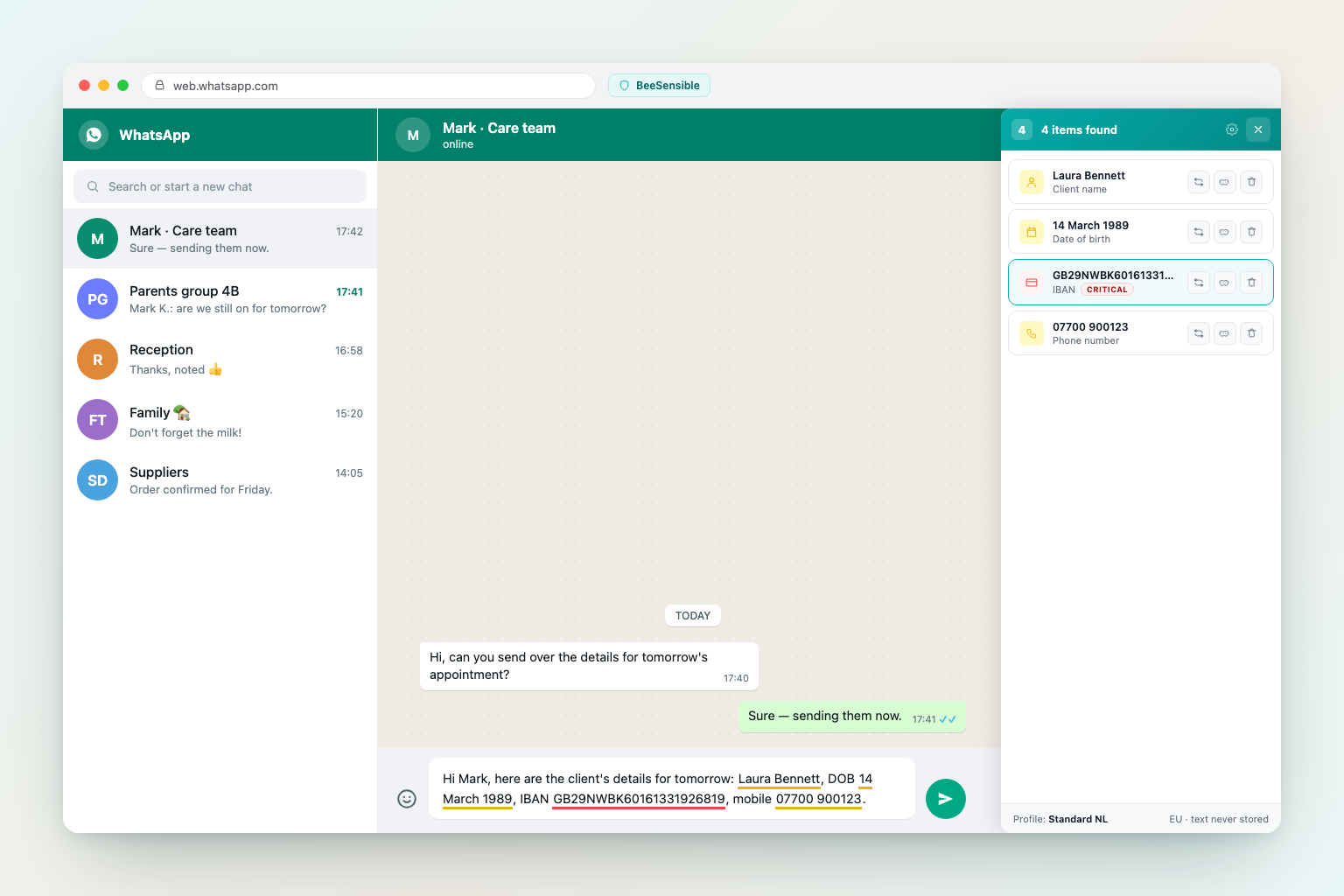
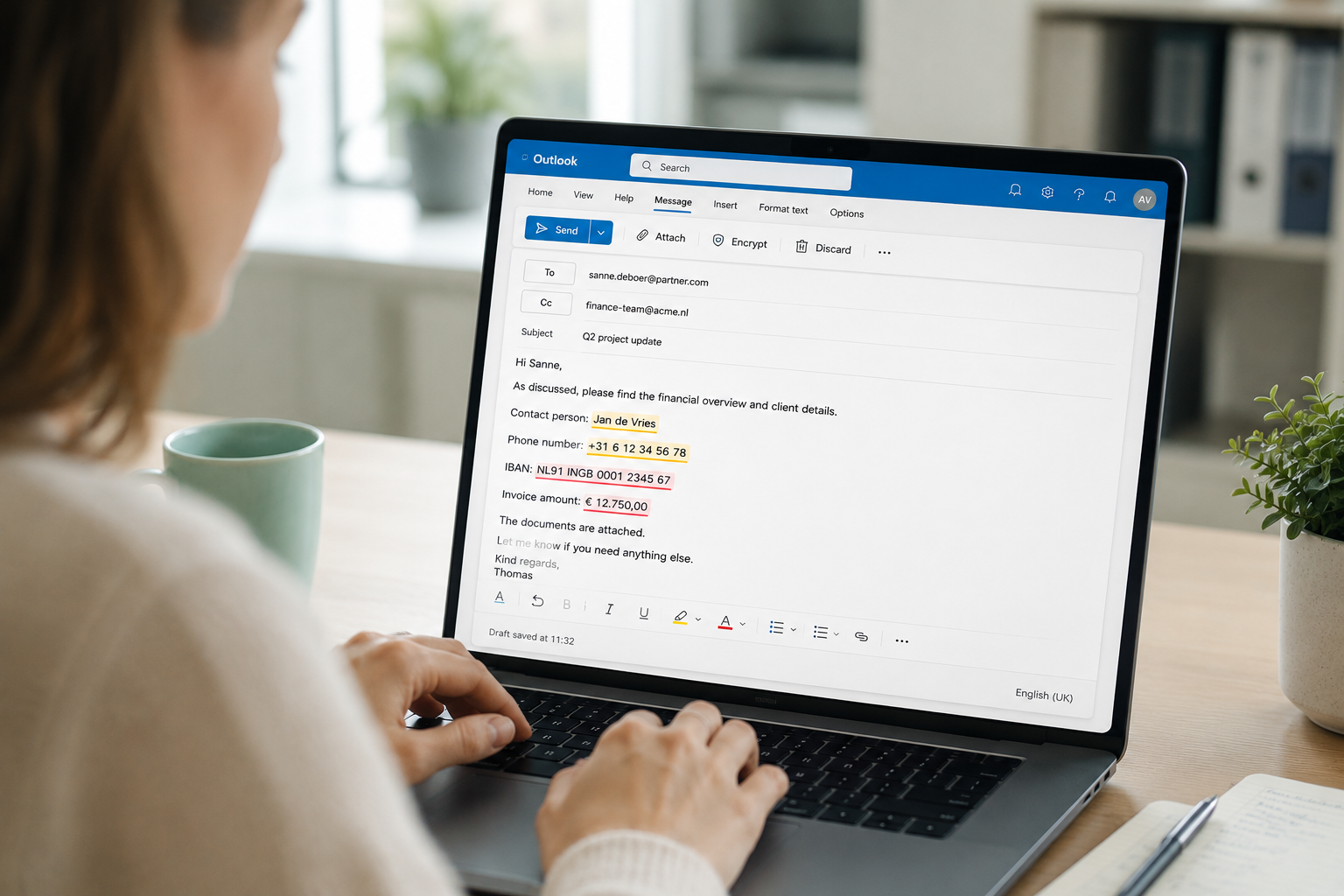
BeeSensible checks personal data in text fields - including the Gmail compose window - as you type. Through the desktop app, detection runs entirely on the device and no text leaves the machine. For browser-only use, the extension sends the text to BeeSensible's EU detection service, where analysis runs in working memory and the text is discarded after detection. When sensitive content appears in the body or subject of a draft, BeeSensible marks it inline so the sender can see exactly what they are about to share - and delete it, replace it with a placeholder, or mask it before it reaches anyone.